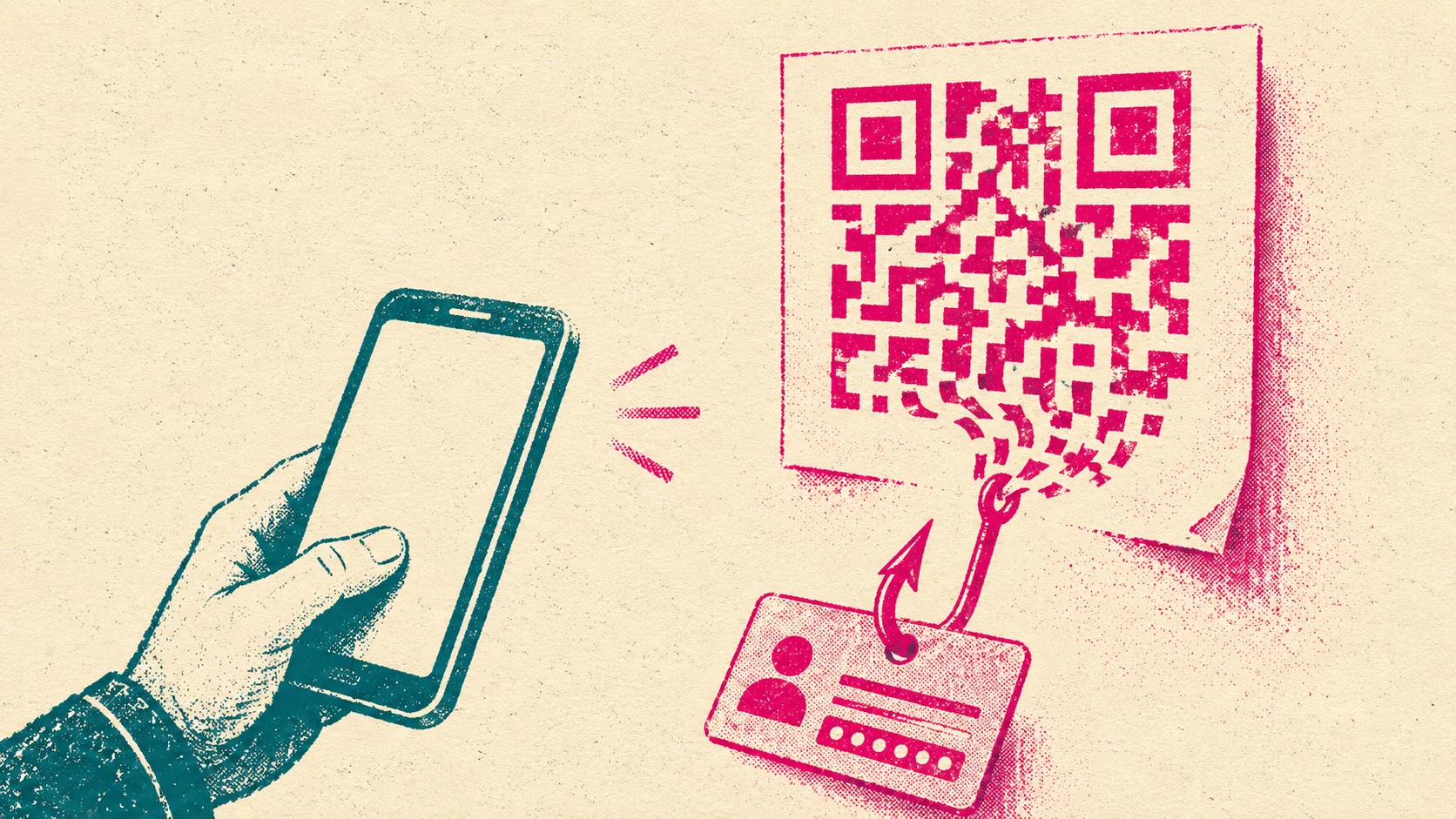
We first wrote about QR phishing in 2024, when fake bank emails with QR codes were starting to reach German inboxes. Since then the method has moved off the screen. Consumer advocates have tracked forged bank letters sent by post, the German federal cyber security agency BSI has warned about fake codes stuck on parking meters, and the FBI has warned about QR codes in unsolicited parcels. This guide is the October 2026 update: how an attack works, how common it is, and what helps on both sides of the bank counter.
How does a quishing attack work?
The QR code is only the delivery mechanism. Behind it sits an ordinary phishing operation, and it usually runs in six steps:
- Infrastructure first. The attackers register a lookalike domain and put a copy of the bank login or a payment form on it, often built with a ready-made phishing kit.
- A reason to scan. A letter, email or sticker gives a pretext: a security update, an identity check, a new card, an unpaid parking fee.
- The code. The QR code points at the fake page, often through a redirect or a link shortener so the real destination is not obvious.
- The switch to the phone. The victim scans with a personal smartphone. Corporate web filters, browser warnings on the work laptop and the address bar the person would normally glance at are all out of the picture.
- Data capture. The page asks for online banking credentials, card data or a one-time code. Some kits relay the login live to the real bank, which also defeats SMS codes and push approvals (reverse proxy phishing).
- Cash-out. The attackers register a new device for app-based approvals, change the phone number or start transfers. Germany's state criminal police office in North Rhine-Westphalia warned that some quishing letters lead directly to money transfers, according to Verbraucherzentrale NRW.
Where do malicious QR codes show up?
The channel decides which defense can see the attack. An email gateway can decode an image in an inbox. Nothing technical sits between a parking meter and a phone.
| Channel | Typical pretext | Why it works | Documented by |
|---|---|---|---|
| Email or PDF attachment | Password expiry, document to sign, account review | No clickable link for the filter to check | Microsoft, 2026 |
| Letter by post | Online banking update, identity check, new terms | Paper feels official and is rarely faked | Bankenverband, 2026 |
| Parking meters and EV chargers | Pay here by phone | A sticker over the real code, at the moment someone wants to pay | BaFin, 2024 |
| Unsolicited parcels | Scan to find out who sent this | Curiosity, and a physical item that seems harmless | FBI, 2025 |
| Posters, flyers, menus | Offers, payments, Wi-Fi access | People scan public codes out of habit | FBI, 2022 |
Fake bank letters
Letters are the variant aimed most directly at bank customers. Verbraucherzentrale NRW received the first reports at the end of August 2024: printed letters in the name of Commerzbank, later other banks, asking the recipient to scan a code to update their online banking. Similar letters were still arriving in mid 2026. The giveaways the consumer advocates point out are an impersonal greeting and a domain that looks right at first glance; in one case the fake address carried a hyphen right after ".de".
In 2026 the German banking association Bankenverband warned that fraudsters now use AI and design tools to copy logos, fonts and layouts so closely that the letters barely differ from real bank mail. Attackers also combine channels. The consumer advocates' phishing radar logged a fake Commerzbank email in July 2026 that referred to a QR code supposedly sent by post for photoTAN activation, which made the email more believable.
Parking meters and charging stations
Here the attacker does not need anyone's address. A sticker over the genuine code on a parking machine or an EV charger sends drivers to a fake payment page. The BSI reports that fake payment codes have been pasted over legitimate ones on parking machines in several large German cities, and in April 2026 it warned of a new wave of quishing that uses AI-written messages to steal banking logins, with German bank customers a particular target.
How common is quishing?
Common enough that the large email providers report it as its own category, and volatile enough that single growth figures mislead. The best public data comes from email, because that is where it can be counted:
- Microsoft counted QR code phishing attacks rising from 7.6 million in January 2026 to 18.7 million in March 2026, a 146% increase within the quarter. QR codes placed directly in the email body rose 336% in March alone (Microsoft, Q1 2026).
- The wave then fell back: 8.3 million QR code attacks in June 2026, according to the Q2 2026 report.
- Mimecast, reporting through the Anti-Phishing Working Group, detected 716,306 unique malicious QR codes in Q3 2025, up 13% on the previous quarter (APWG Phishing Activity Trends Report, Q3 2025).
Letters and stickers do not show up in any of these counts. Nobody publishes a total for them, so the reports from consumer advocates and banks are the best indicator, and they have not stopped since 2024.
Why are banks and their customers a target?
Online banking access turns into money quickly, and a bank brand carries a lot of trust. Three things make financial institutions especially exposed to quishing.
First, customers have been taught that QR codes are part of banking. Activation letters for photoTAN and similar methods, giro payment codes on invoices and app onboarding all use them. An attacker only has to imitate a process the customer already knows. Second, a letter with a bank logo is hard to verify for most people, and few customers call the bank before scanning. Third, the damage lands on the bank even when its own systems were never touched. Customers who lose money after scanning a "bank" letter call their bank, and some blame it. That is support load, fraud cost and reputational damage at the same time, the same pattern we see with fintech impersonation in general.
Banks are not the only brand this hits. Microsoft 365 login pages are a favorite destination for QR codes in business email, and parking operators and toll services are copied for the payment variant. For a bank, though, the combination of trusted letters, instant payments and app-based approvals makes it one of the most attractive brands to fake.
Why do QR codes get past security filters?
Most email security started as link and attachment scanning. A QR code is neither: it is a picture of a link. The BSI puts it plainly: antivirus programs tend to classify QR codes as harmless images, so they miss the fraud hidden in them. Modern gateways can decode QR codes in the email body, but attackers respond by moving the code into a PDF, splitting it into several images or drawing it with text characters.
The bigger gap is the device. The scan happens on a private phone without corporate proxy, without managed browser and often without anyone in the security team ever hearing about it. On a small screen, a lookalike address is also harder to spot. That is why QR phishing needs defenses that do not depend on seeing the email at all.
How can financial institutions defend against quishing?
No single control covers letters, stickers and email. What works is a set of measures aimed at the parts every campaign needs: a believable message, a landing page on a domain, and an account takeover at the end.
- Make the rule public and repeat it. Tell customers in writing which processes ever use a QR code, and that you will never ask them to log in, confirm data or avoid a block by scanning one. Put it in the app, on the website and on the back of real letters.
- Watch for lookalike domains. Every quishing code ends on a domain. Domain monitoring that tracks new registrations resembling your brand often spots the landing page before the letters arrive, because domains are usually registered days or weeks earlier.
- Take landing pages down fast. A letter campaign keeps working for as long as the page behind the code is online. A practised phishing takedown process at the host and registrar shortens that window. Capture evidence first: our website scan stores a screenshot and the page source, and who is hosting shows where to send the report.
- Harden the cash-out step. Treat the enrollment of a new approval device, a changed phone number or a first transfer to a new payee as high risk, with additional checks and delays. Phishing-resistant methods such as passkeys stop relay kits that pass one-time codes through.
- Scan images in email. For your own staff, use email security that decodes QR codes in the body and in attachments, and include QR codes in phishing simulations.
- Give customers a reporting channel. A dedicated address or in-app button for suspicious letters and emails turns customers into an early warning system. Feed every report into takedowns.
- Warn concretely when a campaign runs. Show a picture of the fake letter, the sender name and the pretext. Generic "beware of phishing" banners do not help someone holding a convincing letter.
How can customers spot a fake QR code?
- Never log in to online banking through a QR code. Open the app or type the address yourself.
- Use a scanner that shows the address before opening it, and read the domain carefully. The part right before ".com" or ".de" is what counts.
- Check physical codes for a sticker on top. At a parking meter, prefer coins, card or the operator's official app.
- If a letter asks you to scan, call your bank on the number from its official website or check your online banking inbox. Do not use contact details printed in the letter.
- Be suspicious of urgency: account blocks, expiring security features and "last reminders" are the most common pretexts.
- Do not install apps from a QR code you did not expect.
Scanned a malicious QR code? What to do now
Speed matters more than anything else. If you entered banking data or approved something:
- Call your bank immediately on the number on your card or the official website and have online banking and cards blocked. In Germany, the central blocking line 116 116 is available around the clock.
- Change the passwords you entered, and the same password anywhere else you use it.
- Ask the bank to check for new devices, changed contact details and pending transfers.
- Keep the letter, email or a photo of the sticker as evidence, and file a police report.
- Report the attempt. In the US, report fraud to the FBI at ic3.gov and the FTC at ReportFraud.ftc.gov, and forward phishing emails to [email protected], as the FTC recommends. In the UK, forward suspicious emails to [email protected] and texts to 7726 (NCSC). In Germany, forward phishing emails to the consumer advocates' phishing radar at [email protected].
If you only scanned the code and closed the page without entering anything, the risk is small. Clear the browser tab and do not return to the page.
Where nebty helps
We cannot stop a letter from being printed. What we do is the part outside your perimeter: nebty watches for new domains that imitate your brand, checks what runs on them and gets phishing pages taken down at the host and registrar, including when a proxy hides the real provider. For banks and fintechs that is usually the fastest lever against a quishing campaign, because the code in the letter stops working the moment the page behind it is gone.
Frequently asked questions
What does quishing mean?
Quishing is short for QR code phishing. The attacker puts the phishing link inside a QR code instead of writing it out, so the victim opens it by scanning the code with a phone. The landing page is usually a copy of a bank login, a payment form or a Microsoft 365 sign-in.
Can scanning a QR code infect my phone?
Scanning a code normally just opens a web address. The damage comes from what happens next: typing credentials or card details into a fake page, approving a payment, or installing an app the page offers. The FBI advises never to download an app from a QR code. If you only scanned and closed the page, the risk is low, but do not enter anything.
How can I check a QR code before opening it?
Use a camera or scanner app that shows the full address before it opens anything. Read the domain from right to left: the part directly before .com or .de is what counts. Look out for hyphens, extra words and odd endings. For anything to do with your bank, skip the code and type the bank address or open the official app yourself.
Do banks send letters with QR codes?
Some do, for example to activate a photoTAN or other app-based approval method. That is exactly why fake letters work. A letter that asks you to scan a code to update your details, confirm your identity or avoid an account block is a warning sign. Check it through your online banking inbox or by calling the number on the bank website, never the one printed in the letter.
Why do email filters miss QR phishing?
Many filters look for links in the text of an email. A QR code is an image, sometimes inside a PDF attachment, so there is no clickable link to check unless the filter decodes the image. The scan then happens on a personal phone that sits outside corporate web filtering.
What should a bank do when a quishing campaign uses its brand?
Find the landing domains, capture evidence and get the pages taken down at the host and registrar. Warn customers on the website and in the app with a concrete description of the letter or email. Check fraud signals such as new device enrollments, and pass samples to the national CERT and consumer protection bodies.