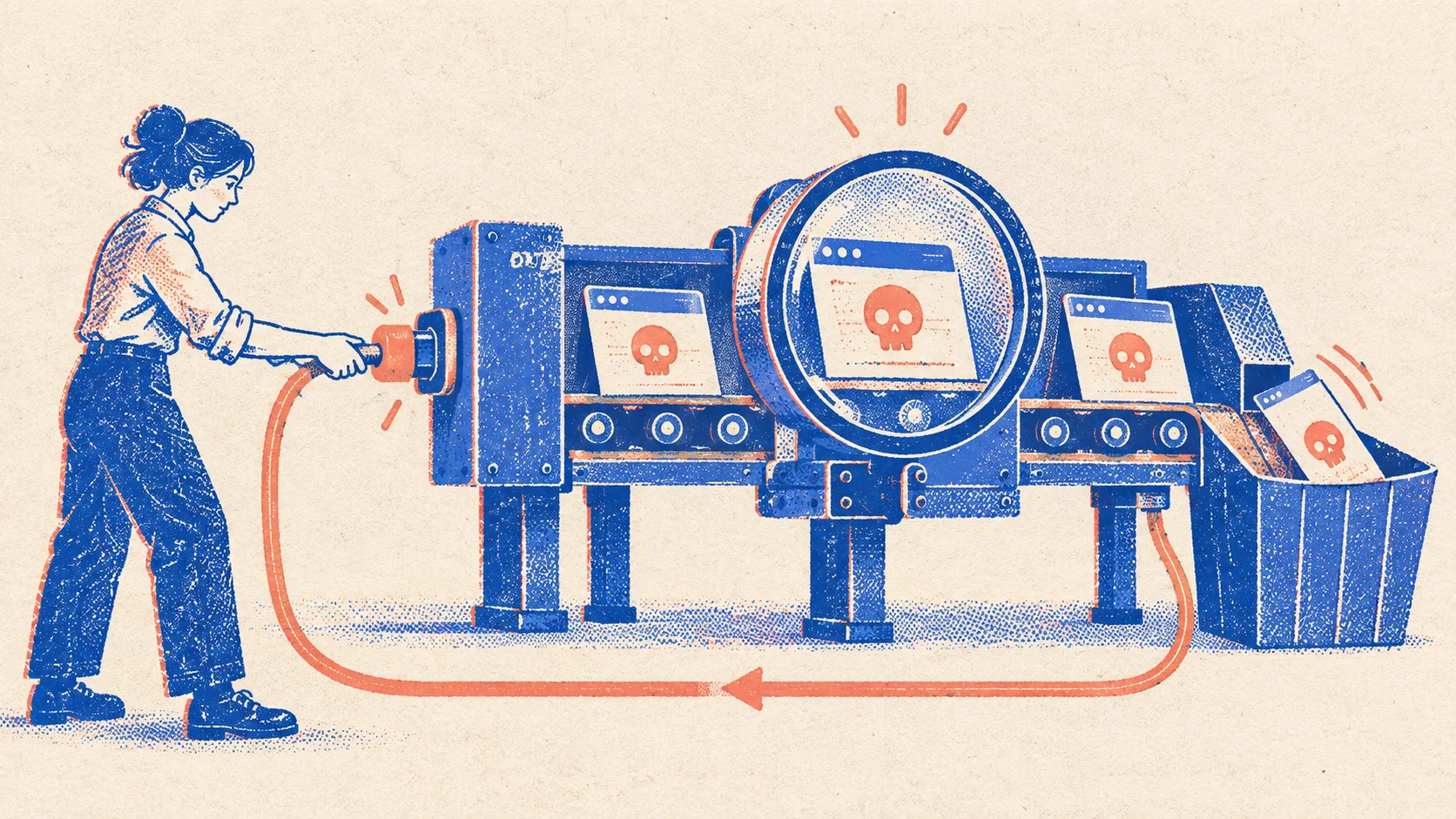
A suspicious domain appears. You want to know what is behind it, whether it impersonates your brand and whether anyone is already handling the case. An AI agent needs more than its general knowledge to help: it needs access to current findings and the tools to act on them.
That is why we built nebty MCP. It connects your agent to nebty, so you can run the full process directly from your agent: discovery, investigation, initiating a takedown and checking its progress.
You can also build these capabilities into your own workflows. For example, a weekly automated sweep can investigate new findings and bring your team the cases that need a decision.
What MCP means for your work
MCP stands for Model Context Protocol. This open standard connects AI applications to external data and tools. Through that connection, an agent can retrieve information from nebty and call its functions.
You describe the task in the environment where you already work. The agent uses the available tools to retrieve findings for your brand, investigate a domain or check a takedown history. nebty MCP currently exposes 56 tools for this work.
You need a suitable MCP-capable client and a nebty account with the relevant permissions. The brands and functions your agent can access still depend on your account permissions and subscription.
One case, from discovery to takedown
Suppose you want to review the suspicious domains associated with your brand. You could start with this request:
Use nebty to review the current domain findings for our brand. Investigate the suspicious domains and show me which cases we should handle first. Explain your assessment using the results.
Start discovery and retrieve findings
Your agent can start a nebty agent run, poll its status and retrieve existing domain findings for your brand. The investigation starts with data from nebty.
Investigate suspicious domains
For a finding, the agent can initiate a domain inspection or a visual scan. You can ask which signals suggest impersonation and what information is still missing. The returned results provide the basis for the assessment.
Initiate a takedown
Once you have confirmed a case of abuse, you can ask your agent to create a takedown in nebty. For example: "Start a takedown for this confirmed case." That starts the takedown process; it does not mean the domain is already offline.
Track progress
Later, ask for an update within the same workflow. Your agent can retrieve the takedown and its event history, so you can see what has happened and the current status reported by nebty.
The investigation can continue beyond the initial assessment without manually transferring the next steps. Your agent can keep working with the records it has found. If an assessment is unclear, ask to see the underlying results before deciding how to proceed.
Build a weekly sweep into your workflow
Your team may not want to start this investigation manually every week. You can connect nebty MCP to a recurring agent workflow instead. Here is an example brief:
Every Monday, check our brand’s domain findings for new suspicious activity since the last successful run. Investigate the new suspicious domains. Prepare a summary with the affected domains, investigation results and recommended next steps. Bring proposed takedowns to us for approval.
Your agent or workflow system handles the schedule and the comparison with the previous run. nebty supplies the investigation data and functions through MCP. For a reliable weekly comparison, the workflow records which findings it has already processed and when its last run completed successfully.
Your workflow can then pass the summary into an existing internal process, such as a task list for the team responsible. It uses your other connected systems for that handoff. The right destination depends on where your team handles its cases.
You define which steps run automatically and where someone makes a decision. In this example, discovery and investigation run automatically, while the team approves takedowns. A later run can also add status updates for existing cases.
Bring nebty into your own process
Start with one brand and a specific task, such as investigating current domain findings. Once that process works for your team, you can extend it to takedowns or have it run on a schedule.
In a demo, we can show you how nebty MCP fits your agent and your process. Bring along a workflow that your team still handles manually today.