In short
Email spoofing means sending an email with a forged sender so that it appears to come from someone else's address or domain. It works because SMTP, the protocol that carries email, does not verify the sender. Domain owners stop spoofing of their own domain with SPF, DKIM and a DMARC policy of reject. Lookalike domains are not covered by any of these and need monitoring and takedowns.
A customer forwards you an invoice "from your accounts team" with bank details you have never used. Or your own inbox receives a threat that claims to come from your address. Both are spoofing, and both happen because email was designed in the 1980s for a network where everyone trusted everyone.
This guide explains how the forgery works, how to check a suspicious message, what SPF, DKIM and DMARC each do, and why the big mailbox providers now require them.
What is email spoofing?
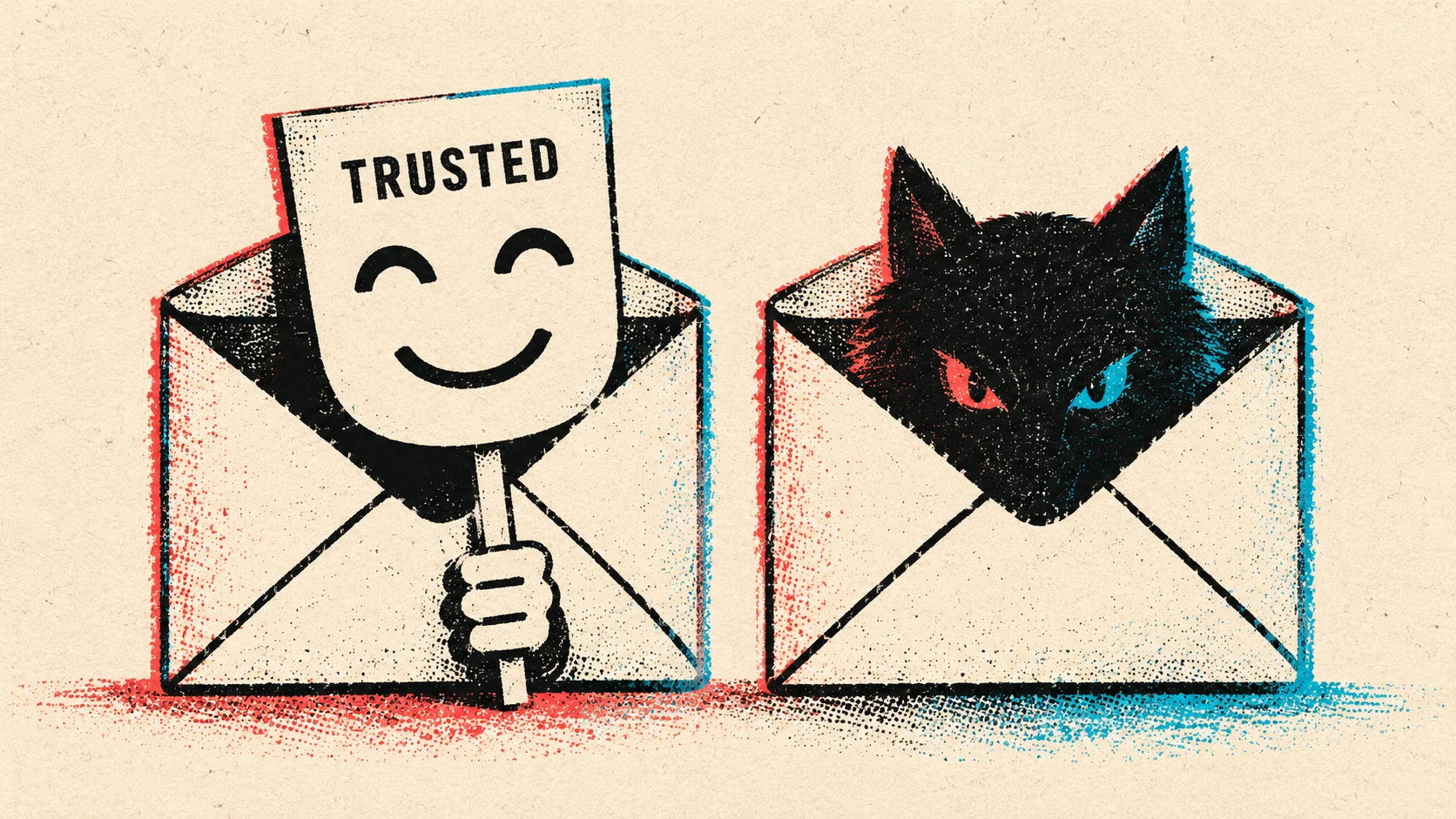
Email spoofing is the forging of sender information in an email. Usually that means the From address, sometimes also the display name or the Reply-To address. The aim is to borrow the trust that the recipient has in a person, a company or an authority.
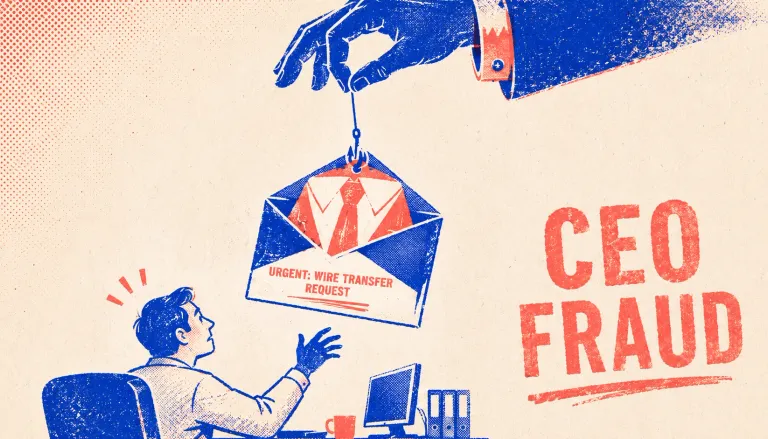
Spoofing is a technique, not an attack in itself. It is the delivery method for phishing, for business email compromise such as fake invoices and CEO fraud, for malware campaigns and for extortion emails. When the forged sender is a company's domain, the term domain spoofing is also common.
How does email spoofing work?
An email has two sender addresses, much like a letter in an envelope.
- The envelope sender (MAIL FROM, later visible as Return-Path) is what mail servers use to route the message and send bounces. Recipients rarely see it.
- The header From is the address your mail program displays. It is written by the sender, like the return address printed on the letter inside the envelope.
SMTP checks neither. Anyone running a mail server, or using a bulk mailing service, can write any address into both fields. That is why spoofing takes no hacking skill. The only thing that stops a forged message is the receiving server checking it against records the real domain owner has published, which is what SPF, DKIM and DMARC are for.
What types of email spoofing are there?
Not every "spoofed" email uses a forged address. The table shows the common techniques, what the recipient sees and whether DMARC on the impersonated domain stops them.
| Technique | What the recipient sees | Stopped by your DMARC? |
|---|---|---|
| Exact-domain spoofing | [email protected], your real address | Yes, with p=reject |
| Display name spoofing | "Jane Doe, CEO" <[email protected]> | No, the free mail domain passes its own checks |
| Lookalike domain | [email protected] or [email protected] | No, the attacker owns the domain |
| Reply-To swap | A correct sender, but replies go to another address | Only if the From domain itself is forged |
| Compromised mailbox | The real sender in a real thread | No, the mail is genuine and passes every check |
Three of the five rows are out of reach for DMARC. Display name spoofing works because many mail apps, especially on phones, show only the name. Lookalike domains use typos, extra words or characters from other alphabets. And a compromised mailbox (account takeover) is not technically spoofing at all, but it is often what people mean when they say "someone is sending emails from my address".
How can you tell if an email is spoofed?
Start with what you can see, then check the headers if anything is off.
- Show the full address. Tap or hover on the sender name and read the domain to the last character. Look for swapped letters, extra hyphens and odd endings such as .co instead of .com.
- Check where a reply would go. If you hit reply and a different address appears, treat the message as hostile.
- Read the authentication results. In Gmail, open the message menu and choose "Show original". In Outlook, open the message source or properties. Look for the
Authentication-Resultsheader and the values forspf=,dkim=anddmarc=. A message that claims to come from a large company and showsdmarc=failis almost certainly forged. - Weigh the request, not just the sender. New bank details, an urgent payment, a login link or an attachment you did not expect are reasons to verify by phone, whatever the headers say.
A pass does not mean the email is safe. It only means the sending domain is the one shown. Attackers who use their own lookalike domain pass all three checks. In the UK you can forward suspicious emails to the NCSC's reporting service at [email protected], and the Anti-Phishing Working Group accepts reports at [email protected].
How do SPF, DKIM and DMARC stop spoofing?
The three standards each answer a different question. Only together do they protect the address your recipients actually see.
| Standard | What it checks | What you publish | Limits |
|---|---|---|---|
| SPFRFC 7208 | Whether the sending server is allowed to send for the envelope domain (the hidden Return-Path). | A TXT record on your domain listing permitted servers, ending in -all. | Does not check the visible From. Breaks on forwarding. Maximum of 10 DNS lookups. |
| DKIMRFC 6376 | A cryptographic signature over headers and body, tied to a signing domain (d=). | A public key as a TXT record under a selector, e.g. s1._domainkey. | Says nothing on its own about whether the signing domain matches the visible From. |
| DMARCRFC 9989 (2026), previously RFC 7489 | Whether SPF or DKIM passed for a domain that aligns with the visible From domain. | A TXT record at _dmarc.yourdomain with a policy (none, quarantine, reject) and a report address. | Protects only your own domain names. No protection against lookalikes. |
SPF: which servers may send
SPF (RFC 7208) lists the servers and services allowed to send mail for a domain. A typical record looks like this:
yourcompany.com. TXT "v=spf1 include:_spf.google.com include:sendgrid.net -all"The weakness: SPF checks the envelope domain, not the From address the reader sees. An attacker can send from their own domain with a valid SPF record and still put your address in the From line. SPF also allows no more than 10 DNS lookups, a limit that companies with many mail services hit quickly.
DKIM: a signature on the message
DKIM (RFC 6376) adds a cryptographic signature to each message. The receiving server fetches the public key from DNS and checks that the signed headers and body have not changed. DKIM survives most forwarding, which makes it the more reliable of the two for DMARC. Every service that sends in your name, from the CRM to the newsletter tool, should sign with its own key for your domain.
DMARC: the policy that ties it to the From address
DMARC is the part that actually protects the visible sender. A message passes DMARC only if SPF or DKIM passes for a domain that matches the From domain (called alignment). The domain owner publishes what receivers should do with messages that fail, and where to send reports:
_dmarc.yourcompany.com. TXT "v=DMARC1; p=reject; rua=mailto:[email protected]"In May 2026 the IETF published DMARC as a Proposed Standard in RFC 9989, with aggregate and failure reporting split into RFC 9990 and RFC 9991. It replaces RFC 7489 from 2015, which had only informational status. Existing records keep working. The most visible change is how receivers find a domain's organizational domain: a lookup through the DNS tree replaces the Public Suffix List. The pct tag is gone, replaced by a simple test flag (t=y), and a new np tag sets the policy for subdomains that do not exist, such as invoice.yourcompany.com when no such host was ever set up.
Why do Gmail, Yahoo and Outlook now require DMARC?
Since February 2024, Google's sender guidelines require anyone sending around 5,000 or more messages a day to Gmail addresses to set up SPF, DKIM and DMARC, with the From domain aligned to SPF or DKIM, plus one-click unsubscribe for marketing mail. Google began stepping up enforcement against non-compliant traffic in November 2025. Yahoo set similar rules at the same time.
Microsoft followed for Outlook.com, Hotmail and Live addresses. Since 5 May 2025, domains sending more than 5,000 messages a day must pass SPF, DKIM and DMARC (at least p=none), according to the Microsoft Defender for Office 365 blog.
These rules only require p=none, so they push companies to publish DMARC but not to enforce it. The gap shows in the data. In EasyDMARC's 2026 adoption report, which examined the 1.8 million most visited domains, 52.1% had a valid DMARC record. Of those, 56.1% were still at p=none, and only 8.9% of all domains combined p=reject with reporting. A record at p=none tells receivers to deliver forged mail anyway.
How do you set up DMARC without breaking your own email?
The risk in DMARC is blocking your own legitimate mail, such as invoices from the ERP system or newsletters from a marketing tool. A staged rollout avoids that.
- List everything that sends as your domain. Mail platform, CRM, ticketing, newsletter, payroll, web forms, scanners and printers.
- Fix SPF and turn on DKIM for each sender. Use your own domain in the DKIM signature, not the provider's.
- Publish DMARC at p=none with a rua address. Read the aggregate reports for a few weeks. They show every server sending under your name, legitimate or not.
- Move to p=quarantine, then p=reject. RFC 9989 suggests at least a month at p=none and about as long at quarantine before reject.
- Lock down domains that never send mail. Publish
v=spf1 -alland a DMARC record with p=reject on parked and secondary domains. - Keep reading reports. New tools and new attacks both show up there first.
One more trap: if your inbound mail passes through a security gateway before it reaches Microsoft 365 or another platform, check that spoofing protection still applies. In January 2026 Microsoft described phishing campaigns that used complex mail routing and weak spoof settings to deliver messages that looked internal.
What DMARC cannot do: lookalike domains
Once your domain is at p=reject, attackers move to domains they control. A lookalike such as yourcompany-invoices.com or yourcornpany.com can have perfect SPF, DKIM and DMARC records, because the attacker set them up. In a campaign Microsoft analyzed in September 2026, attackers registered a lookalike of a software vendor's domain on 31 July and sent more than a million fake executive invoice emails between 3 and 5 August.
The countermeasure is outside the inbox: spot these domains when they are registered and get them taken down before or while they are used. That is what domain monitoring is for. nebty checks new registrations against your brand and domain names, usually flags a suspicious lookalike within hours and handles the takedown with the registrar and host. You pay only for takedowns that succeed.
What should you do if someone is spoofing your domain?
- Find out which kind it is. Look at the headers of a sample. Is it your exact domain, a lookalike, or a real mailbox of yours? Each needs a different response.
- If it is your exact domain: check your DMARC record and move it to p=reject as quickly as your reports allow.
- If it is a lookalike domain: save evidence with a website scan, find the registrar and host with our hosting lookup and request a takedown. Our takedown guide explains the steps.
- If it is a real mailbox: reset the password, end all sessions, remove unknown forwarding rules and turn on phishing-resistant MFA.
- Warn customers and partners. Tell them which addresses and bank details are genuine, and how to report suspicious messages to you.
- Report fraud. If money was lost, follow the steps in our BEC guide: call the bank first, then report to the police (in the US through IC3, in the UK through Report Fraud).
Frequently asked questions about email spoofing
Can someone send email from my address without hacking my account?
Yes. The From line of an email is a text field that the sending server fills in, and plain SMTP does not check it. Whether a forged message reaches inboxes depends on the receiving server and on the SPF, DKIM and DMARC records of your domain. With DMARC set to reject, the large mailbox providers refuse most of these messages.
Why did I receive spam that appears to come from my own address?
Usually because the sender forged your address in the From line. Extortion emails do this on purpose to suggest that your account was hacked. If the message fails SPF and DKIM in the headers and your account shows no unfamiliar logins, your mailbox was most likely not touched. Change the password anyway if you reuse it anywhere.
Is email spoofing the same as phishing?
No. Spoofing is a technique: faking the sender. Phishing is an attack that tries to get you to click, log in or pay. Many phishing and business email compromise attacks use spoofing or lookalike domains to look trustworthy, but spoofing can also be used for spam or extortion.
Does DMARC stop all email spoofing?
No. DMARC with p=reject stops messages that claim to come from your exact domain and fail authentication. It does not cover lookalike domains, which the attacker owns, display name tricks with free mail accounts, or a real mailbox that has been taken over.
Should I use p=quarantine or p=reject?
Aim for p=reject. Quarantine sends failing mail to the spam folder, where people still find and open it. Start with p=none and reporting, fix your legitimate senders, then move to quarantine and finally to reject. The DMARC standard RFC 9989 suggests spending at least a month at p=none and about as long at p=quarantine.
Do domains that never send email need DMARC?
Yes. Attackers like parked and unused domains because nobody watches them. Publish an SPF record of v=spf1 -all and a DMARC record with p=reject so receivers know that any mail claiming to come from them is fake.