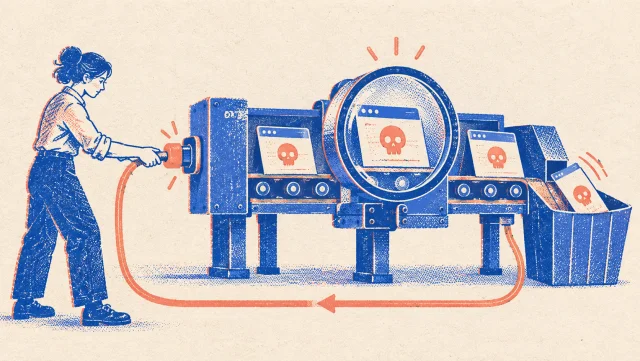
Suspicious pages rarely arrive through a clean internal process. A customer forwards a URL. Support receives a screenshot. Someone in marketing notices a fake shop using the company name. At that point the team needs to answer two questions quickly: what is on the page, and how can we preserve it?
Opening the URL in an employee's browser is not a neutral act. The target can record the visitor's IP address and browser details, redirect the request, change what it shows, or serve content that nobody on the team should have to handle directly. A screenshot sent by somebody else is safer, but it leaves out the source, redirects and infrastructure, and it is easy to alter without leaving a trace.
The safer first step is to have an isolated system visit the page and return a record you can inspect without contacting the target yourself. That is what the free nebty website scan is built to do.
Why you should not open the link yourself
The problem is not only malware. Even a page that does nothing visibly harmful can log your public IP, browser and visit time. That may tell its operator that the company has discovered the campaign. A target can also behave differently by country, visitor or device, which means your office connection may see something different from a customer.
There is a second risk: evidence changes. Fake shops and phishing pages are edited, redirected or removed quickly. If the first person opens the link, takes a cropped screenshot and closes the tab, the team may later have no reliable record of the exact URL, the source or the infrastructure behind it.
A useful internal rule
When a customer reports a suspicious URL, do not circulate the live link for colleagues to open. Circulate the resulting snapshot instead.
How an isolated website scan works
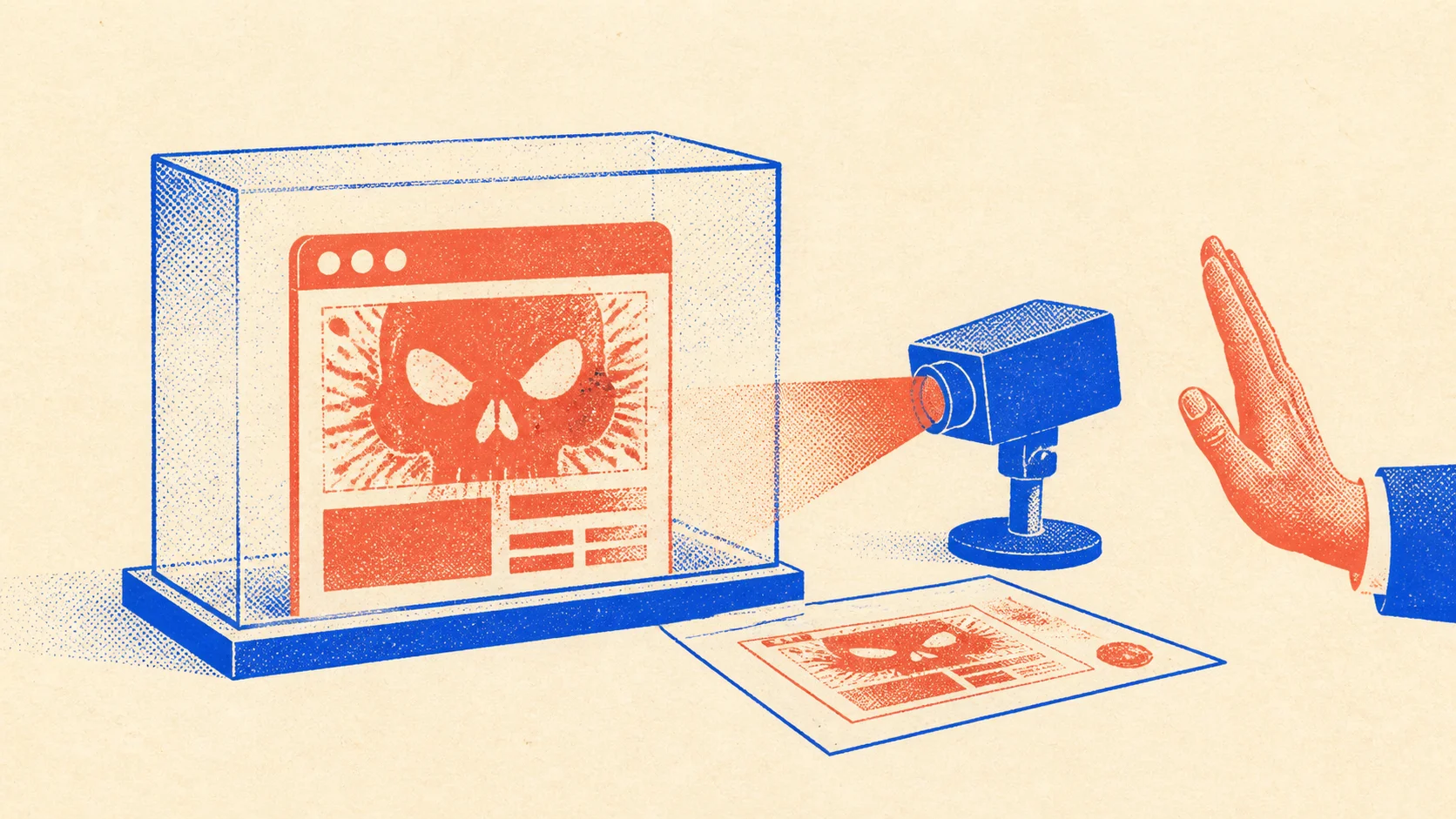
You paste the reported URL into the scanner. The page is then loaded on a server in a sandbox rather than in your browser. The target sees the scanner's connection, not your own browser or IP address. When the capture is complete, you receive a permanent snapshot link.
The captured page is not replayed as a live website when somebody opens that link. The screenshot is an image, the readable content is text, and the HTML appears as escaped source. Code from the scanned site does not run in the recipient's browser. That makes the snapshot suitable for sharing internally, with an adviser or as part of a report without asking every recipient to revisit the suspicious page.
Capture the page without opening it
The website scan is free and does not require an account. Paste the suspicious URL and share the resulting snapshot instead of the live target.
Open the website scanWhat the snapshot captures
A useful record needs more than the pixels visible above the fold. Each successful scan brings the content and the surrounding technical context together under one link:
- Visual evidence: a full-page screenshot.
- Content evidence: readable page text and the raw HTML source.
- Request context: requested URL, final URL after redirects, HTTP status, capture time and capture country.
- Domain context: IP address, hosting provider, ASN, registrar, registration data, nameservers, DNS and mail records.
- Sharing: a permanent URL and a clean print view that can be saved as a PDF.
Finding and comparing earlier snapshots
Anonymous scans are added to a public, searchable archive. Before creating another capture, you can search for the URL and see whether somebody has already recorded it. Multiple snapshots provide a timeline when a page changes, redirects elsewhere or disappears.
For a deeper comparison, the same archive and scan functions are available through an open API and an MCP server. Connect the MCP server to an AI agent such as Claude, ChatGPT or Codex, then ask it to compare the text or HTML from two capture IDs. The source snapshots remain the evidence; the AI's summary is an aid for reviewing them.
Website scan or hosting lookup?
The hosting lookup and the website scan answer different questions and work well together.
Hosting lookup
Who operates the infrastructure?
A fast lookup of hosting, registrar and DNS data. It does not visit and archive the page content, and the lookup does not enter a public snapshot archive.
Website scan
What did the page contain?
An isolated visit that preserves the content and technical context as a public, shareable and cryptographically verifiable snapshot.
What you can do with the evidence
Once the snapshot exists, keep the link and export the print view as a PDF. Record how the URL reached you and why you believe the page is fraudulent or impersonating your company. If customers reported it, preserve their messages separately. A snapshot of the target does not replace the surrounding case history.
The next step is usually to file a criminal complaint with the snapshot and supporting material. Then start the removal process with the hosting provider, registrar and any other relevant platform. A police report documents the incident; a structured abuse report and a website takedown are what pursue the site's removal.
Frequently asked questions
Is it safe to scan a suspicious website?
Your browser does not contact the target. The page is opened on a server in a sandbox, and the stored HTML is later displayed only as escaped source. The target therefore does not receive your browser data or your own IP address through the scan.
What does the website scan capture?
It stores a full-page screenshot, readable page text and the raw HTML source. The record also includes the requested and final URL, HTTP status, capture time and country, plus the domain's hosting provider, IP address, registrar, DNS, nameservers and mail setup.
How can I verify that a snapshot has not been changed?
The scan stores SHA-256 checksums for the screenshot, HTML and page text. The record containing the scan ID, URLs, HTTP status, capture time, capture country and every checksum is signed with Ed25519. The signed manifest is available at /api/scan/{id}/manifest and the public verification keys at /.well-known/nebty-scan-signing-keys.json. A standalone verification script can check the signature and files. This verifies that nebty issued the record and that it has not changed since signing; the signature is not an independent trusted timestamp.
Is a signed snapshot legally admissible evidence?
That decision belongs to the authority, court or adviser handling the case. The scan makes the material independently checkable: hashes bind the files to the signed manifest, and the Ed25519 signature shows that nebty issued the record and that it has not changed since signing. It is documentation, not legal advice or a guarantee of admissibility.
Are website scans private?
Anonymous scans started through the public tool are public and searchable. Do not scan pages behind a login or pages containing personal data. Anyone with the snapshot link can open and share it.
Can the tool show how a suspicious page changed?
The archive can show multiple snapshots of the same URL at different times. The open API and MCP server make it possible to give two snapshots to an AI agent and ask it to compare their text or source.
When should I use the hosting lookup instead?
Use the hosting lookup when you only need a quick infrastructure answer and do not want an archived capture. Use the website scan when you need to inspect the page content safely and preserve a shareable record of what was found.